
Online conversations can be convenient, but they also open the door to scammers trying to trick you out of money, personal info, or even your time. As more people connect through messaging apps, social media, and emails, it gets easier for scammers to blend in and attempt their schemes. I’ve spent a fair bit of time helping friends spot the warning signs, and I want to share some practical tips to separate genuine connections from those looking to take advantage.
Understanding Scammer Tactics
Scammers never stick to just one method. They adapt fast, testing new ways to reach people and catch them off guard. Whether it’s a fake job offer, a love interest who gets serious way too quickly, or an online store that’s more like a mirage than a marketplace, patterns start to appear once you know what to look for.
A lot of scams start with a friendly introduction, sometimes even copying the profile picture and name of someone you trust. I’ve noticed these chats almost always have their own flavor of pressure, secrecy, or strange requests. Nobody likes to be caught off their guard, but noticing these early clues can help you shut things down before they turn into bigger hassles.
On top of that, scammers watch for your reactions and tweak their stories. For instance, if you ask, "How do we know each other?" they might steer the conversation in another direction to avoid specifics. Being alert to these switches in topic or sudden avoidance is a helpful line of defense.
Recognizing the Early Warning Signs
Spotting a scam in its early stages makes things a lot safer. Here’s a rundown of the most common red flags I keep an eye out for:
- Too Much, Too Soon: If someone you just met showers you with compliments, jumps to deep conversations, or seems to want to get serious immediately, it’s probably best to slow things down. Scammers often move really fast hoping you’ll overlook possible inconsistencies.
- Avoiding Phone or Video Calls: Scammers almost never want to talk over video or voice. If your new friend makes excuses every time you suggest a call, that’s worth being suspicious about.
- Strange or Generic Language: Messages often feel a bit off. Overly formal, generic replies, or using odd phrases are common. Sometimes, these come from a translation tool or copied scripts they send to lots of people.
- Absent Personal Details: If a person dodges questions about their life, history, or gets details about themselves wrong, that’s a big clue someone is making things up as they go.
Watch for these patterns, but don't let paranoia take over. It’s all about staying sharp and aware so you can relax and enjoy your chats with legit connections.
Common Types of Chat Scams and Their Tricks
Different scams use different tricks, but most fit into a few categories. Knowing these common types helps you spot problems faster.
- Romance Scams: Scammers pretend to be interested romantically. They often claim to be overseas or working in a job that keeps them away (military, oil rigs, or international jobs pop up a lot). Their main goal is to get you to send money, often for a supposed emergency or travel costs to meet you.
- Phishing and Info Stealing: In this scam, a person tries to get your login details, bank info, or other private data. They’ll send you links to fake websites or ask seemingly innocent questions that add up to a full identity profile.
- Investment Scams: If someone you’ve just started chatting with starts pitching a hot crypto deal, fast financial returns, or a "guaranteed" investment, slow down and walk away. These scams can seem convincingly real. Some people even craft fake dashboards to fake profits.
- Tech Support Scams: Sometimes scammers reach out pretending to be from a trusted company, like a bank, your internet provider, or even popular software brands. They’ll claim there’s a problem with your account or device and ask you to install remotecontrol apps or share login info.
- Online Marketplace Scams: This one’s common on classified sites and social marketplaces. They might send you suspicious payment links or try to rush you into sending goods or deposits before anything is actually legit. Always stick with well known payment options and never click on mysterious links.
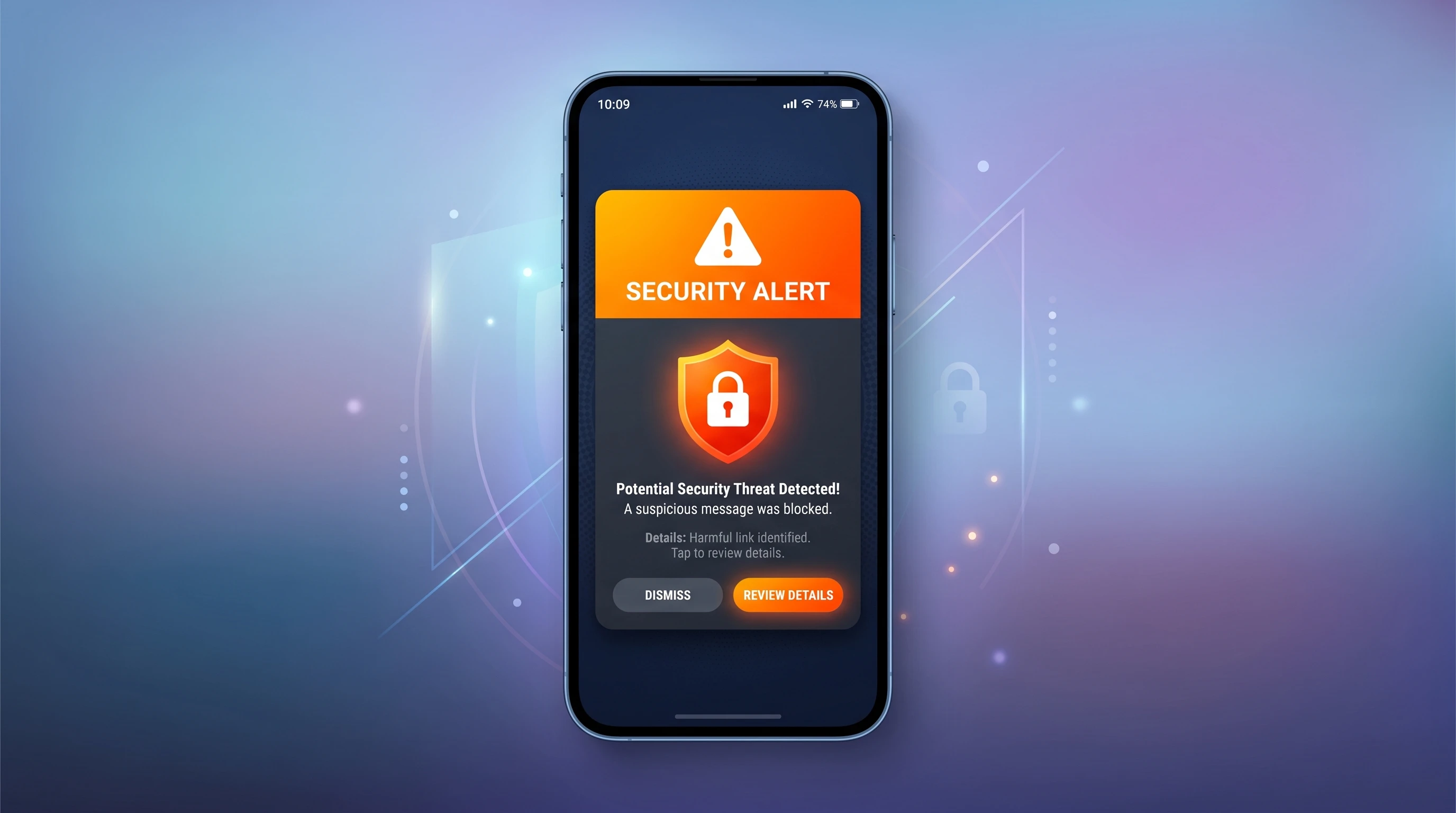
Some scammers also send out fake alerts saying there has been "suspicious activity" or "payment due" to lure you into entering personal information. Stay cautious if anything feels urgent or off, especially if you weren't expecting any messages.
Quick Checklist: Ways to Tell If You’re Dealing With a Scammer
Some scam chats are so well crafted that it’s tricky to spot them at first glance. Here’s a quick checklist I use whenever I feel something’s off:
- Are They Evasive? Do they avoid basic questions about their location, job, or background?
- Is There a Sense of Urgency? Are they pushing you to act right away; sending money, clicking a link, or downloading something?
- Do Messages Seem Copied? Sometimes you’ll spot obvious copy paste messages, unsettling grammar, or texts that don’t really fit the chat flow.
- Are There Inconsistencies? Look for weird timeline errors or changes in their story. I sometimes press a detail from earlier. If they can’t keep it straight, that's usually game over.
- Did They Try to Take the Chat Somewhere Else? Scam accounts want you off the original platform (like from dating sites to WhatsApp), where it’s harder for moderators to step in.
Trust your gut. If something feels weird, you’re probably onto something. Sometimes your instincts are better than you think.
Challenges in Spotting New Scam Tactics
Scammers are constantly changing how they operate. Every time a new app or technology pops up, they try to exploit it. Here are some challenges you might run into:
- Fake Profiles That Look Real: It’s easier than ever to grab someone’s real photos or create an AI-generated face. Some profiles look totally believable. Even their timeline history or friends lists can seem normal.
- Use of Emojis and Slang: Years ago, scam messages were stiff and formal. Now, scammers use emojis, memes, or local slang to blend in better with genuine users.
- Real Looking Websites and Links: Clicking a link that says it goes to a familiar bank or site, only to find out later it was a perfect copy. Always double check links and access important sites directly through your browser.
- Fake Job Offers with Professional Sounding Language: These offers may even include fake contracts, "interviews," and made up HR managers.
Also, be aware that scammers may even impersonate support staff or customer service people from companies you actually use. If you're contacted first and told there's an "urgent issue," always seek official confirmation before making any decisions.
How Scammers Keep Evolving
AI chatbots and new algorithms let scammers automate their chats and adjust language on the fly. They can now hold longer, more convincing conversations. I often recommend searching any suspicious messages online; often, someone else has already posted about similar wording or tactics. Forums and scam databases are updated regularly and can save you serious headaches.
Using phone numbers and profile images in a reverse search tool can also help you spot scam accounts. Sometimes it turns out the same photo is used for different names across platforms—a classic sign of a fake.
How Platforms Are Responding
Messaging and social platforms are building better reporting and blocking tools, but scammers still sneak through. I make a habit of keeping my privacy settings strong and never sharing more than I need to on any profile. Reporting anything suspicious helps keep the community safer for everyone.
Many platforms use algorithms to spot suspicious patterns and lock down fake profiles, but personal vigilance is still the first line of defense. If your friends or contacts notice a problem, let them know to review their privacy settings and passwords, too.
What to Do If You Suspect a Scam
Recognizing a scam in progress is only part of the battle. Here’s how I usually handle things once red flags pop up:
- Stop Responding: If a chat feels off, I stop communicating right away. Scammers often drop off if you stop getting involved. Silence is a powerful tool.
- Don’t Share Sensitive Info: Never send bank info, IDs, passwords, or even casual details like your workplace or the name of your primary school.
- Report and Block: Use the chat app’s features to report suspicious users. Most platforms make it easy to flag scammy accounts.
- Double Check with Friends: If you get a suspicious message from a friend’s account, reach out to them through another source to make sure their profile wasn’t hacked.
- Take Screenshots: If threats or illegal requests come up, save the chat. This is sometimes helpful if the issue escalates or needs to be reported to authorities.
If you're feeling uncertain after blocking and reporting, check in with a cybersecurity professional or trusted techie friend. They often pick up on subtle clues you may have missed.
More Tips for Staying Safe in Online Chats
Even when a chat seems harmless, a few simple habits go a long way:
- Use Strong, Unique Passwords: Don’t recycle passwords between your main accounts. Password managers make it manageable.
- Enable Two Factor Authentication: Many chat and social platforms now offer this extra step. It’s one of the best ways to block hackers and scammers even if they get your password.
- Keep Personal Info Private: What you post publicly can be used in scams later. Check your privacy settings regularly.
- Be Skeptical of Unusual Requests: If someone asks for money, access, or personal info for any reason, take a step back and verify before moving forward.
- Update Software Often: Outdated apps can be security risks. Enable automatic updates when possible and avoid clicking update links sent in messages—always update through the official app store or site.
- Watch for Social Engineering: Sometimes scammers try to make you feel guilty, rushed, or flattered so you’ll lower your guard. Whenever you feel manipulation tactics, pause and think it over.
Why Scam Chats Are So Tough to Spot
I’ve compared real conversations and scam attempts, and the difference isn’t always obvious, especially when scammers use information they find about you online. The best scammers can keep a normal chat going for days or weeks before finally making their move. Here’s why it’s easy to be tricked:
- Personalized Messages: Scammers often research you beforehand. They’ll refer to things you mention on your social media, making their story sound more believable.
- Copycat Tactics: Some scams involve copying a real friend or family member’s account. These are tricky to spot at first glance. Always double-check by reaching out in other ways.
- Complex Storylines: Some scammers give long, emotional stories or set up situations that make it hard for you to say "no." If someone gives a dramatic tale of woe, always pause and do a little extra checking.
- Using Multiple Platforms: A convincing scammer might contact you on several apps—email, socials, texting—to make their story seem more legit. If someone pops up in multiple places unexpectedly, that’s a reason to be cautious.
Frequently Asked Questions
Here are some questions I hear a lot from folks who are worried they might be dealing with a scammer in their chats:
Question: What’s the first thing to do if I think I’m chatting with a scammer?
Answer: Stop all contact and report the account to the platform. Don’t give away any more information and, if possible, change passwords connected to the account.
Question: How can you double-check if someone really is who they say they are?
Answer: Suggest a video or voice call. Most scammers will make excuses or avoid it. Also, check their profile history and search images or user names in a search engine to see if they pop up elsewhere.
Question: Are there any signs that almost always mean something is a scam?
Answer: If they ask for money (especially gift cards, crypto, or wire transfers), want you to move your chat off the platform, or push for personal info, you’re almost always dealing with a scam.
Question: Can I get my money back if I’ve been scammed?
Answer: It depends. Payments made by credit card or through services like PayPal sometimes can be reversed. Wire transfers and crypto are usually gone for good. Report losses to your bank and the relevant authorities; there’s always a chance to recover and you help prevent further scams.
Staying Safe for the Long Haul
Spotting a scammer isn’t about being suspicious of everyone, but keeping a healthy sense of skepticism is really helpful when chatting online. Technology changes fast, and so do scammers’ strategies, but basic habits like slowing down, checking details, and using built-in privacy tools make your online space safer. If you’re ever not sure about a conversation, ask for a second opinion. Sometimes just running it by a trusted friend makes all the difference.
Protecting yourself in online chats doesn’t have to be stressful. With these practical tips, you can spot a scam early and keep your digital conversations headache free. Stay aware, take your time, and always put your security first. Staying sharp online really pays off in the long run.
Finally, get in the habit of reviewing your account activity and updates regularly. Emerging scams can mimic even the most trusted platforms, so whether you're shopping online or just hanging out in group chats, remember that a moment of caution often saves you a world of trouble. Stay safe out there!