If you’ve ever had someone knock on your door or call your business claiming to be a government or business official, you know just how uncomfortable and confusing the situation can get. Impersonation by fake officials isn’t rare, and a little knowledge goes a long way in keeping you and your information safe. Through my experience working with small businesses and community organizations, I’ve seen just how crafty impersonators can be. This guide is about giving you the tools to spot the fakes, handle them calmly, and protect yourself, your money, and your data.
Why Impersonators Target Businesses and the Public
Impersonation scams can target anyone, from homeowners to company executives. The goal is usually pretty simple: to gain access to confidential information, money, or restricted areas by pretending to be someone trustworthy. With so many scams making headlines, knowing why impersonators focus on this approach helps you keep your guard up.
Most impersonators try to intimidate, confuse, or pressure people into quick decisions. The classic move? Someone calls saying they’re from the utility company and need your account number to avoid disconnection, or two people in uniforms show up with "urgent" documents that need a signature and payment on the spot. Busy offices and distracted staff can easily fall for these routines. The rise in remote working and digital paperwork has only increased these risks.
Official representatives from legitimate businesses and government agencies have a responsibility to identify themselves clearly, but scammers know most people feel a sense of authority when someone shows a badge, uniform, or flashes an ID. With a bit of confidence and jargon, fake officials can seem very convincing on the surface.
Common Impersonation Approaches (and Red Flags That Stand Out)
Impersonation scams work in lots of different ways, but I usually see the same patterns play out. Catching these clues can prevent big headaches down the road. Here are the most common tactics:
- Fake badges or uniforms: Thieves may wear official looking clothes, vests, or IDs. The gear might use logos or designs borrowed from the real organization, but something will usually be a bit off, such as blurry logos, misspelled names, or homemade looking documents.
- Unscheduled calls or visits: Real officials rarely show up unannounced for sensitive tasks. If someone calls or arrives demanding immediate action “or else,” that’s worth checking up on.
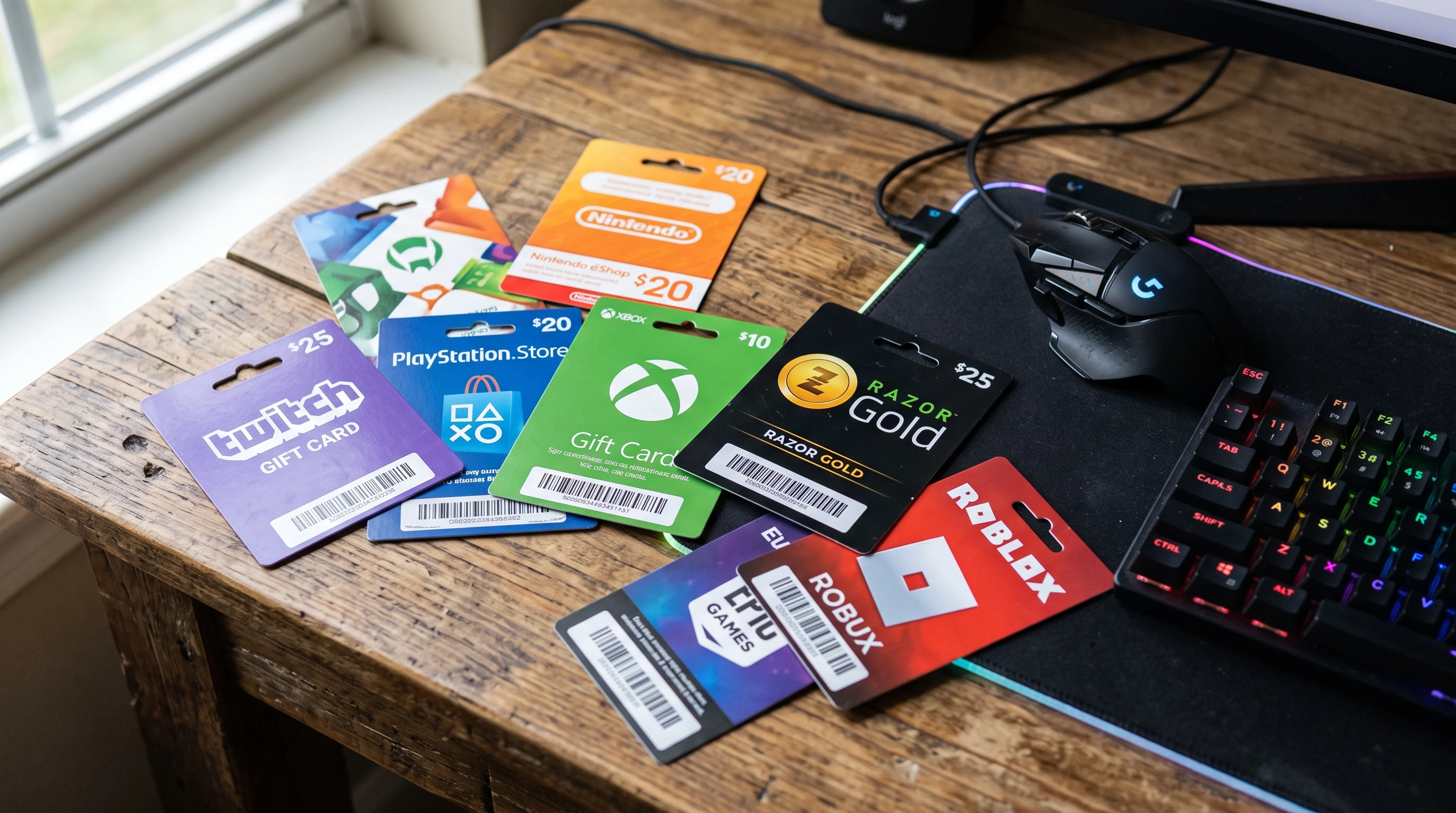
- Urgent requests for payment or sensitive info: Scammers love pressure plays: "You need to pay this fee now" or "We need your password or account details to avoid interruption." Most real agencies will use secure, official payment channels, never gift cards or wire transfers.
- Strange communication methods: Unusual or unexpected emails, texts, or DMs asking for information usually aren’t legit. Official business rarely happens through a personal social media account or generic email address.
- Requests for secrecy: Any message or person that urges you to keep quiet about their request is a pretty clear warning sign.
I helped a family member once who got an “IRS agent” call threatening arrest if payment wasn’t sent immediately. The caller used aggressive language and even had a spoofed caller ID. Real officials don’t use threats like these, so stay skeptical of high-pressure tactics.
How to Check an Official’s Identity (Without Being Rude)
Trust, but verify. This saying really rings true. You don’t need to feel embarrassed asking for ID; real professionals are used to this. Here are some practical checks you can run when dealing with anyone claiming official status:
- Ask for official photo ID and look closely: Check the ID for things like the agency logo, printing quality, an expiration date, and photo quality. Fake IDs often look homemade if you give them more than a passing glance. Genuine government and corporate IDs double check names, positions, and often carry a phone number you can use for confirmation.
- Never open doors, sign anything, or share information right away: Take your time. A real official will wait while you confirm their identity. Step away and make a phone call or send an email to the company or agency directly using contact information from their official website, not the number or address the visitor gives you.
- Ask for documentation for any requests: If a payment, inspection, or other action is needed, request a letter or written notice (on official letterhead if possible). Most organizations send advance notice before action is taken.
- Look up the agency’s policies: Legitimate agencies usually outline their procedures for visits, payments, and data requests online. For example, utility inspectors will often be in marked vehicles and carry paperwork that matches your account. Police or fire departments don’t handle fines or payment collection at your door.
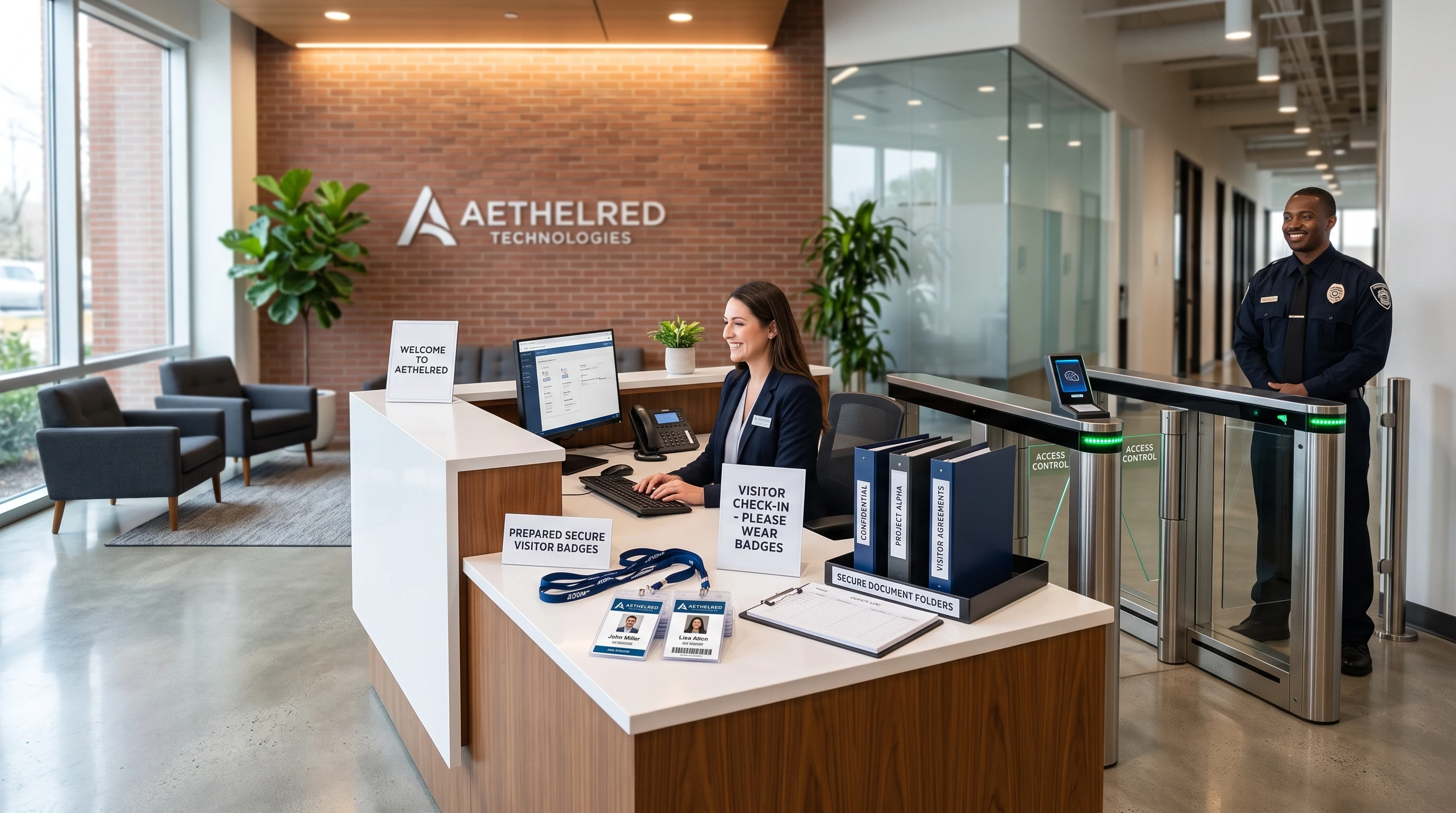
- Verify with coworkers or supervisors: For businesses, train your team to always confirm identity. Ideally, have a single point of contact for all visitors and deliveries. Use a visitor management log or digital system to keep track of who is expected.
Confidence and politeness go hand in hand. I’ll usually say, “Just to be safe, I need to doublecheck your ID with the office first,” and make my verification call. Most real officials find this reassuring and appreciate the caution.
Steps to Respond Safely if You Suspect a Fake Official
Suspicion isn’t paranoia; it’s just a cautious approach. Handling a possible impersonator safely matters for both your security and peace of mind.
- Don’t let them inside or hand over information: No matter how convincing the story sounds, keep your personal boundaries. For businesses, keep visitors in public areas or at the reception desk until you’ve verified their credentials.
- Contact the real agency: Use their website or phone book to get the official number and check if the person is legit. Don’t rely on business cards, emails, or numbers provided by the visitor.
- Keep a record: Jot down names, physical descriptions, badge numbers, and details of their request and behavior. The more notes you have, the easier it’ll be to describe the situation to real authorities later.
- If you feel at risk or threatened, call local law enforcement right away: It’s better to double check and be safe than to risk a security issue in your business or home. Don’t try to physically restrain anyone; just keep your distance and stay calm.
- Alert others: Notify coworkers, neighbors, or building security if someone suspicious comes around. The faster everyone knows about a scam, the less likely it is to succeed.
In my community, we’ve set up a simple group text to alert people in our building about suspicious visitors. It’s worked really well to prevent problems and makes everyone feel a bit safer.
Real-World Examples: Spotting the Fake Before It’s Too Late
You don’t need to be a security expert to catch impersonators; just a bit of street smarts and awareness goes a long way. Here are some real-life cases that taught me (and others) how to stay alert:
- Case 1: A "fire inspector" knocked on my friend’s small business, claiming to need access to fire alarms. He had a generic clipboard and business card. When my friend insisted on a call to the city fire department, the impersonator quickly left. The real fire inspection was scheduled for two weeks later with formal notice.
- Case 2: A team of “IT contractors” appeared at an office building, requesting access to network equipment. One receptionist checked with the property manager. No official work order was filed, and the group was turned away. A follow-up call revealed attempts at several buildings in the area the same week.
- Case 3: A residential community faced a rash of water utility scams. Residents were told water would be shut off unless a fee was paid immediately. Township staff reminded everyone that monthly bills and overdue notices only came by mail, never by doorstep demands. The scam was reported to police and local news outlets for wider awareness.
In each of these stories, taking an extra minute to double check turned what could have been a problem into a quick nonissue. Sharing tips like these with your crew or neighbors creates a safer environment for everyone.
Smart Ways Businesses and Households Can Strengthen Their Defenses
If you’re running a business or just managing your own household, putting some solid habits and safeguards in place will make impersonation scams a lot tougher to pull off. Here are practical steps I’ve seen work well:
- Staff training and sign in protocols: Keep all staff, from the front desk to upper management, in the loop about common scams. Use a visitor log or digital checkin for everyone stepping through the door, including repair crews and couriers.
- Physical security: Secure entrances so only authorized individuals can get in. Badge and fob systems, buzzer intercoms, or even old school peepholes add a layer between you and strangers.
- Regular communication with official agencies: Sign up for alerts from utility companies, law enforcement, and community notices. Confirm what real communication looks like, so anything off script will stand out quickly.
- Payment policies: For businesses, establish a clear payment process. Avoid accepting last minute payments by hand unless fully verified. For households, use official channels and never transfer money or sensitive information over the phone or at the doorstep.
- Sharing knowledge: Create quick reference guides or printouts for your household or office covering popular scam scripts and how to handle requests for access or information. I keep a simple checklist on my fridge so family members know what to ask.
These simple checkpoints not only build confidence but can save serious time and money down the road. Being ready is much easier than cleaning up after a scam.
How Modern Tech and Resources Can Help You Stay a Step Ahead
Technology is making impersonator scams tougher, but also giving us new ways to fight back. Here’s how I tap into these tools for more peace of mind:
- Caller ID and scam alerts: Many phone services flag suspicious numbers, especially those spoofing government agencies. Register your home or business for scam alerts from trusted organizations. These notifications can tip you off to trending frauds.
- Official agency verification tools: Many government departments and businesses post lists of employees or contact info online. Instant badge or ID number lookup tools exist for some public utilities and service providers.
- Digital visitor management: If you’re running a workplace, digital checkin apps lower the chances a fake visitor will sneak by unnoticed.
- Home security systems: Door cameras, intercoms, and motion sensors let you screen unknown visitors before opening the door. Many systems now come with recording options, which can be shared with the police if something seems off.
I’ve worked with local police on workshops for small businesses and homeowners, where attendees learned about the latest phishing attempts, spoofed calls, and deepfake videos. The takeaway was clear: with a mix of tech, teamwork, and presence of mind, we can all stay much safer.
Frequently Asked Questions About Fake Official Impersonation
Lots of people have the same worries when it comes to dealing with possible scammers. Here are some questions I hear regularly, along with what’s worked for me and others I’ve helped:
Question: How common is official impersonation in my area?
Answer: It’s more widespread than most folks expect. It pops up in both cities and rural areas. Local police blotters and news stations are great ways to check for recent incidents nearby.
Question: What if I get it wrong; could I embarrass myself challenging a real official?
Answer: Don’t stress about being too careful. Real professionals appreciate due diligence and are trained to expect these questions. It’s better to feel a little awkward than to deal with a scam’s fallout.
Question: Should I ever pay fees or share information over the phone?
Answer: Never share personal details, payment, or passwords in response to an unexpected call or visit. Official requests typically go through secure portals or formal mail. If in doubt, hang up and contact the company directly using a verified number.
Question: How do I report attempted impersonation or scams?
Answer: Contact your local police, the organization being impersonated, and consumer protection groups. For online or phone scams, the Federal Trade Commission (FTC), Anti Phishing Working Group, and local resources like Better Business Bureau can help.
Final Thoughts on Staying Safe From Official Impersonators
Catching a fake before they talk you into giving up money or confidential info is easier than you might think. Staying calm, taking a minute to verify details, and never feeling rushed are really important habits. Keep sharing what you learn; scammers hate an informed crowd, and those few extra seconds double checking identity can make all the difference.
Your personal safety and the reputation of your business matter a lot. With the right mix of common sense, teamwork, and easy to follow routines, you’re in a solid position to spot impersonators every time they show up or call. Stay observant out there, and don’t be afraid to trust your gut when something feels off!