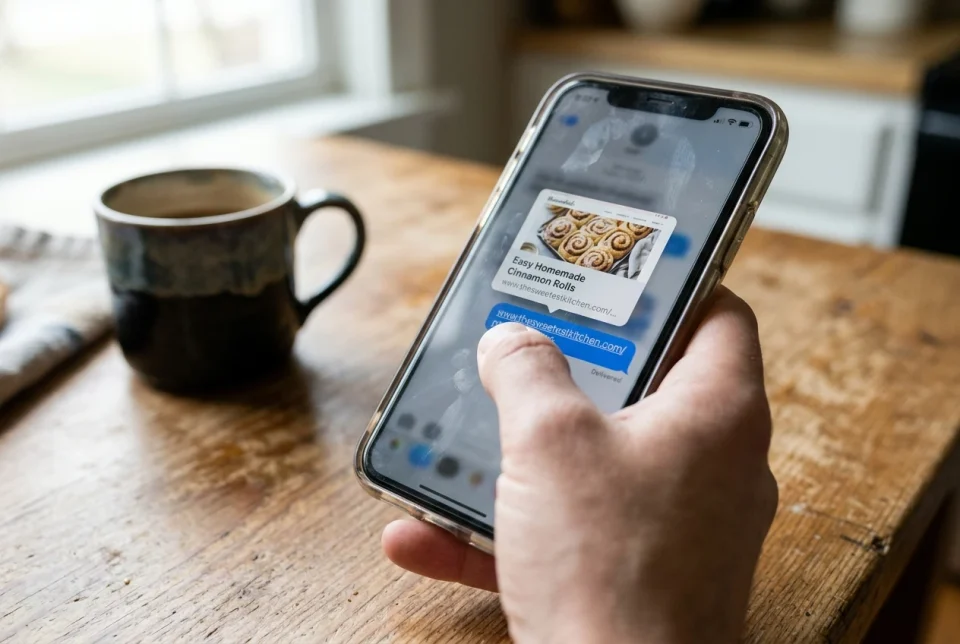
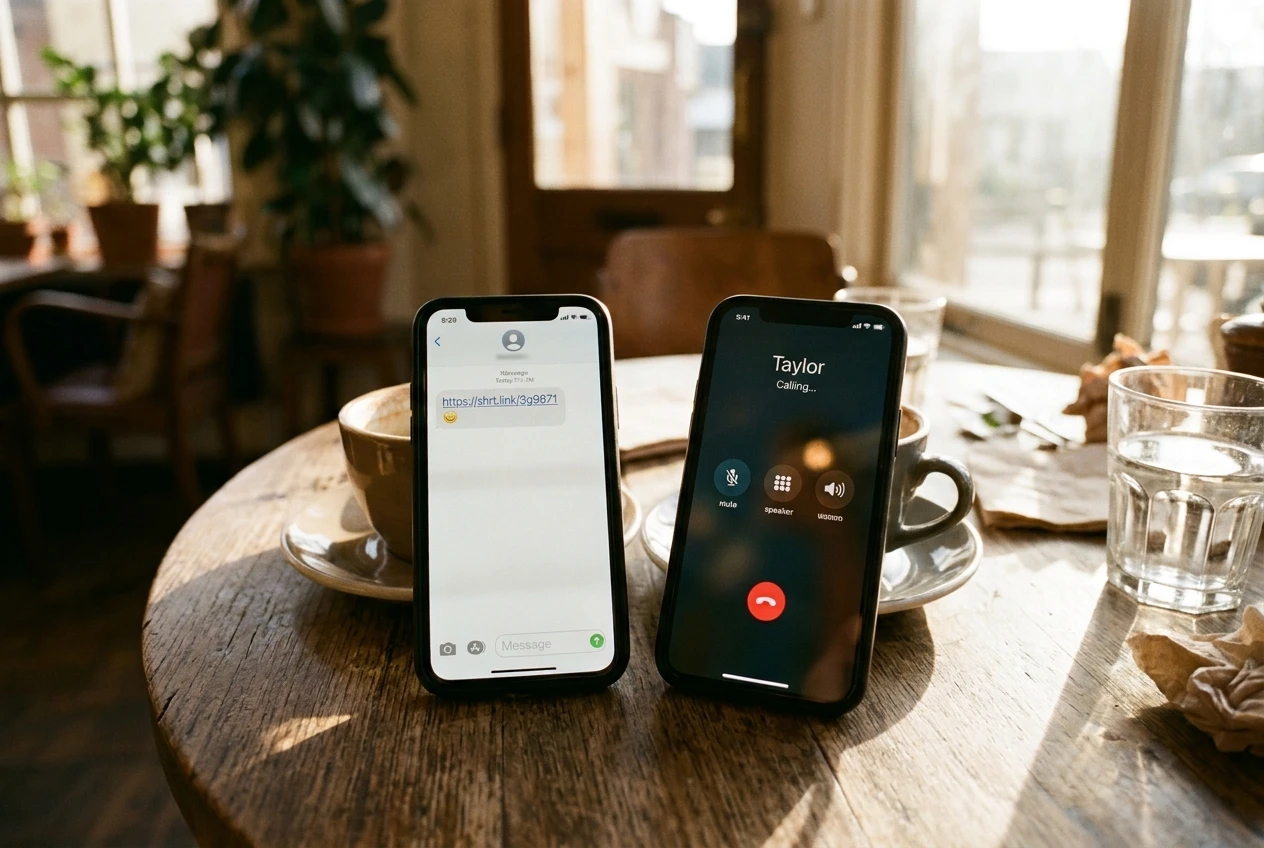
You get a text about a missed delivery, a message from a friend with just a link and a smiley face, or an email saying your account will be closed today. Your thumb is already over it. This article gives you a routine that takes under a minute, and it works the same way on texts, DMs, Facebook messages and email.
Here is the whole routine in short form, and the sections below explain each part:
- Ask who sent it and whether you expected it.
- Read the link without opening it.
- Notice whether the message is pushing you to hurry.
- Check it a safe way, such as going to the real site yourself.
- If you already tapped, follow the cleanup steps right away.
You will rarely need all five. Most dangerous links fail the first or second check.
Is this link safe to click? Start by asking who sent it and why
Before you look at the link at all, look at the sender. A link is only as trustworthy as the person or company that sent it, and that is the part scammers work hardest to fake.
Ask yourself three plain questions:
- Was I expecting this? A password reset you did not request, a parcel you never ordered and a "refund" you are not owed all count as unexpected.
- Does this sender normally contact me this way? Your bank, a delivery company or a government office may use text or email, but many of them tell you on their own websites exactly which channels they use, and they rarely ask you to act through a link in a surprise message.
- Does the message sound like the person it claims to be from? A friend who always writes full sentences and now sends only "omg look at this 😂 [link]" deserves a second look.
That last one catches a lot of trouble on Facebook and Instagram. When someone's account is taken over, the scammer often messages that person's friends, so the name and photo on the message are real while the sender is not. A familiar name tells you whose account it is, and it cannot tell you who is typing.
The fastest fix is to ask through a different channel. Call your friend, or text them on a number you already have, and ask whether they sent it. If they did, you lose thirty seconds. If they did not, you have just warned them that their account has a problem.
Pay attention to the "why" as well. Every legitimate message has a reason to exist: you ordered something, you signed up for something, you asked for help. If you cannot name the reason this message reached you today, treat the link as unconfirmed until you can.
Look at the link without clicking it
Once the sender passes, read the link itself. You can do this without opening it.
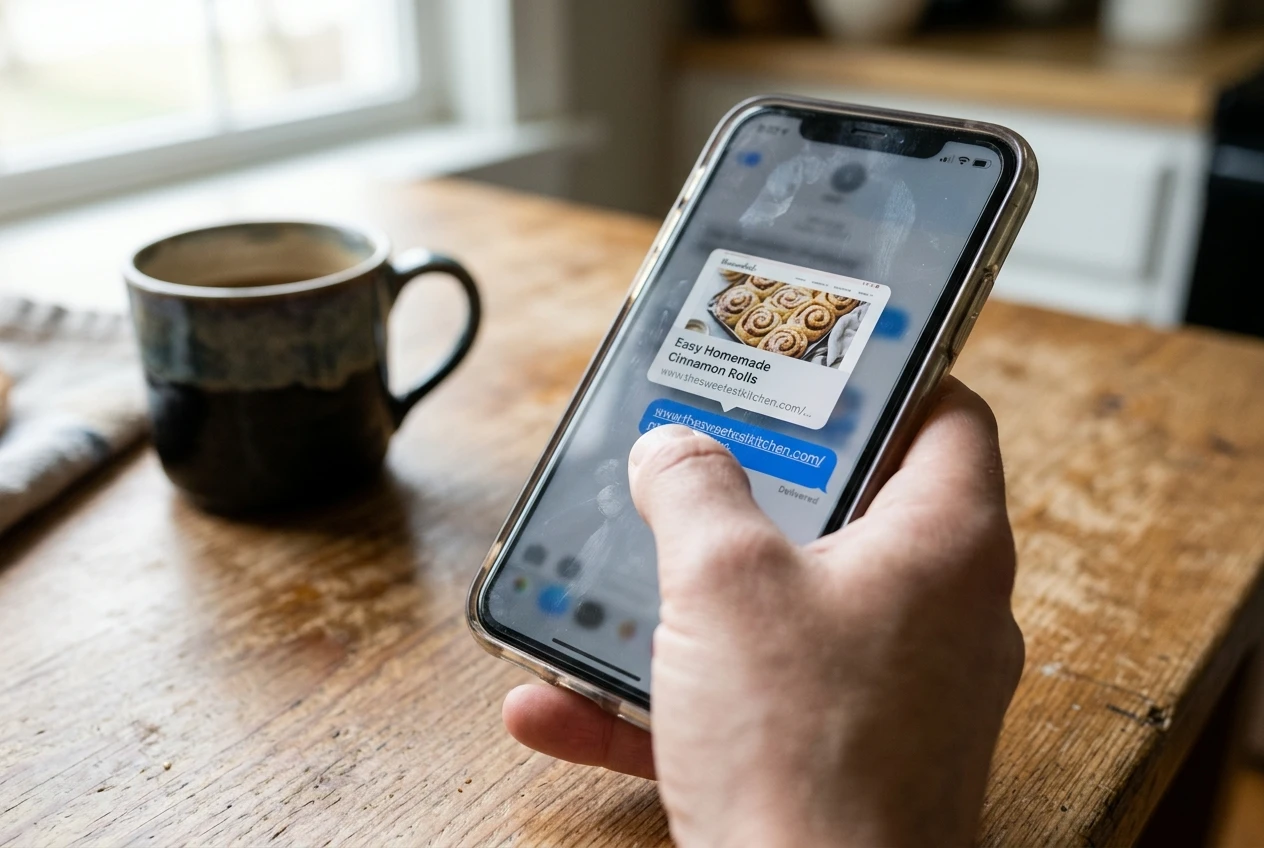
On a computer, hover the mouse pointer over the link and look at the bottom-left corner of the browser window, where the real destination usually appears. On most phones, press and hold the link instead of tapping it. A preview or menu normally appears showing the full address. The exact look depends on your phone and app, but pressing and holding is safe where a quick tap is not.
In an email, the words you see can be different from the address behind them. A link can say "www.yourbank.com" while pointing somewhere else entirely. That is why the pressing-and-holding or hovering step matters: it shows where the link really goes, not what it claims.
Read the address from the right place
The part of a web address that tells you who owns the site is the domain. It sits just before the first single slash (/), and you read it from the end backward. Everything to the left of it is decoration that the link's creator can set to anything.
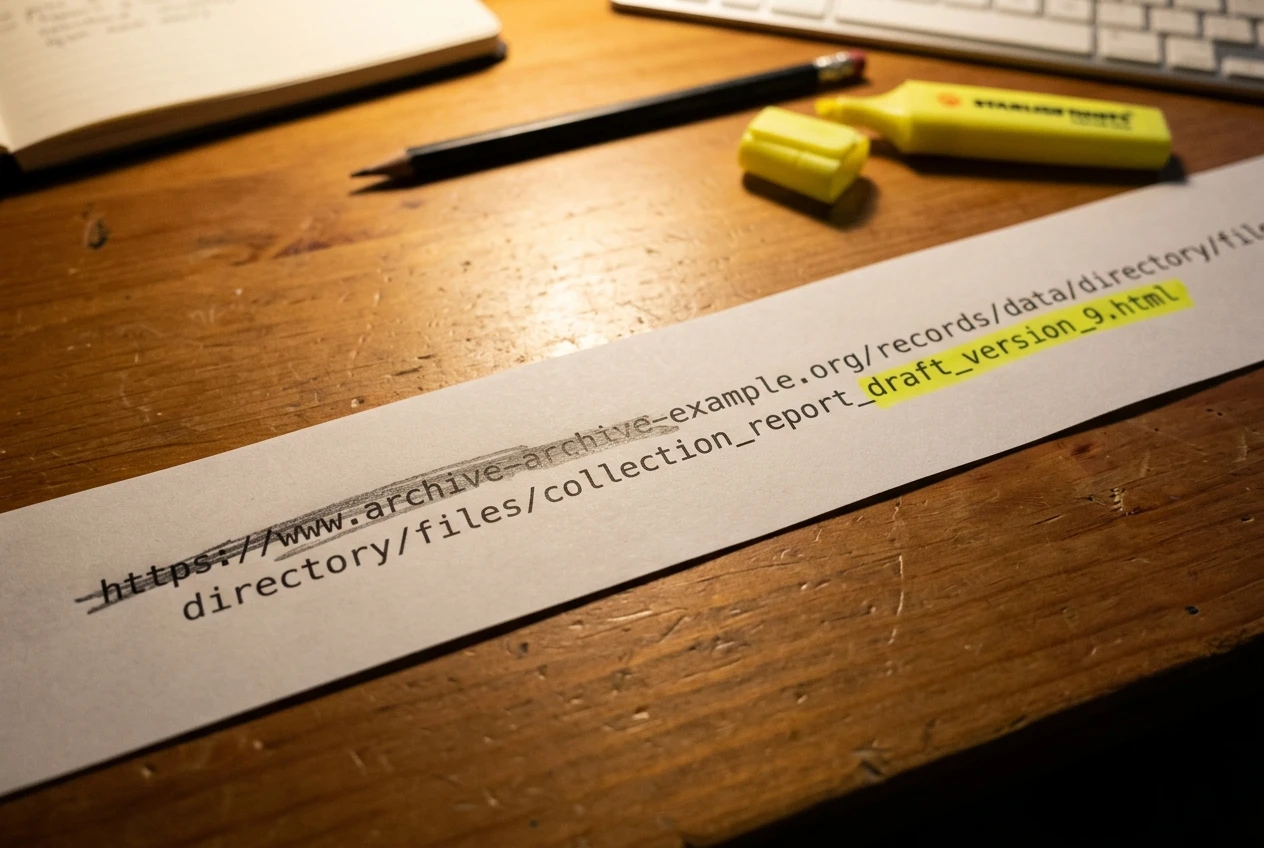
Here are made-up examples, using addresses that are not real sites:
https://mybank.com/login: the domain ismybank.com. This one is what it appears to be.https://mybank.com.secure-check.example/login: the domain issecure-check.example. The "mybank.com" at the front is bait.https://login.mybank.com-verify.example: the domain iscom-verify.example. Same trick, different arrangement.https://secure-mybank.example/login: the domain issecure-mybank.example, which is not your bank, whatever the name suggests.
If the real domain is not exactly the company's usual one, do not use the link. Words like "secure", "verify", "support" or "login" attached with hyphens do not make an address official, and a real company's address does not need them.
Watch for look-alike spellings
Scammers register domains that are one small change away from the real one. Examples are a letter swapped, a doubled letter, or "rn" in place of "m", which look nearly the same in many fonts. Read the name slowly, letter by letter, the way you would check a street name before getting into a taxi.
Be wary of shortened links
Links shortened by a link-shortening service, such as ones that look like a short domain followed by a random string, hide their destination. Shorteners have plenty of ordinary uses, and a shortened link is not automatically a scam. But when it arrives unexpectedly from someone you cannot confirm, you cannot read where it goes, so you cannot apply the domain check. In that case, treat it as unverified and go to the next section.
The padlock does not mean what people think
A padlock or "https" at the start of an address means the connection between you and the site is encrypted. It does not mean the site is honest. Scam sites can have it too, so do not treat it as a stamp of approval.
Signs a link is built to rush you
Even a link that looks fine on a first read can arrive wrapped in a message built to stop you from thinking. Pressure is the most consistent sign across scams, because a calm person checks things. Look for these:
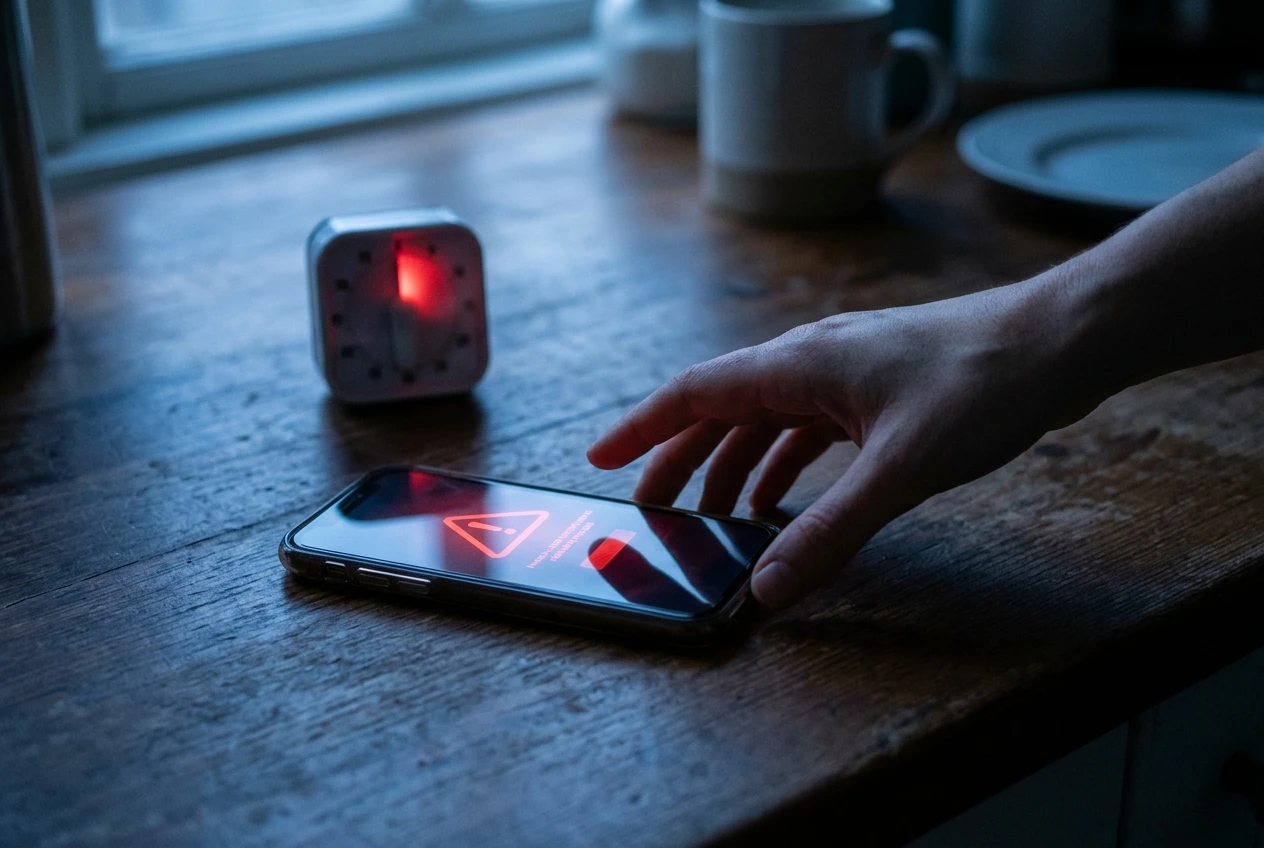
- A deadline. "Within 24 hours", "final notice", "your account will be suspended today."
- A threat. Fines, legal action, a locked account, a lost parcel, a frozen payment.
- A reward. A prize you did not enter for, a refund you did not request, a gift card, a job offer you never applied for.
- Secrecy. "Don't tell anyone", "keep this between us", "do not call the bank, this is confidential."
- Fear about someone you love. A message that suggests a relative is in trouble and you must click now.
- Vague greetings. "Dear customer" or "Dear user" from a company that has your name on file.
- A strange ask for the situation. A parcel company wanting card details to "reschedule", a streaming service asking for your date of birth, or a delivery fee that arrives out of nowhere.
Mistakes in spelling or grammar can be another sign, but do not rely on them. Some scam messages are written very cleanly, and a clean message proves nothing. Judge the pressure and the request, not the polish.
One test helps a lot: ask what the message wants you to do, and what happens if you wait an hour. Real accounts do not vanish in an hour. If the answer is "nothing bad happens, I can look into this properly," then the urgency was manufactured, and that is a reason to be more careful, not less.
Check it safely before you touch it
If the link still leaves you unsure, you have several ways to check without ever opening it.
Go to the source yourself
This is the single most reliable check. If a message says your bank, delivery service or online shop has a problem, ignore the link and open the company's real website or app on your own. Type the address yourself, use a bookmark you already had, or open the official app. Then look for the notice there. If the problem is real, it will show up in your account. If nothing is there, the message was not what it claimed.
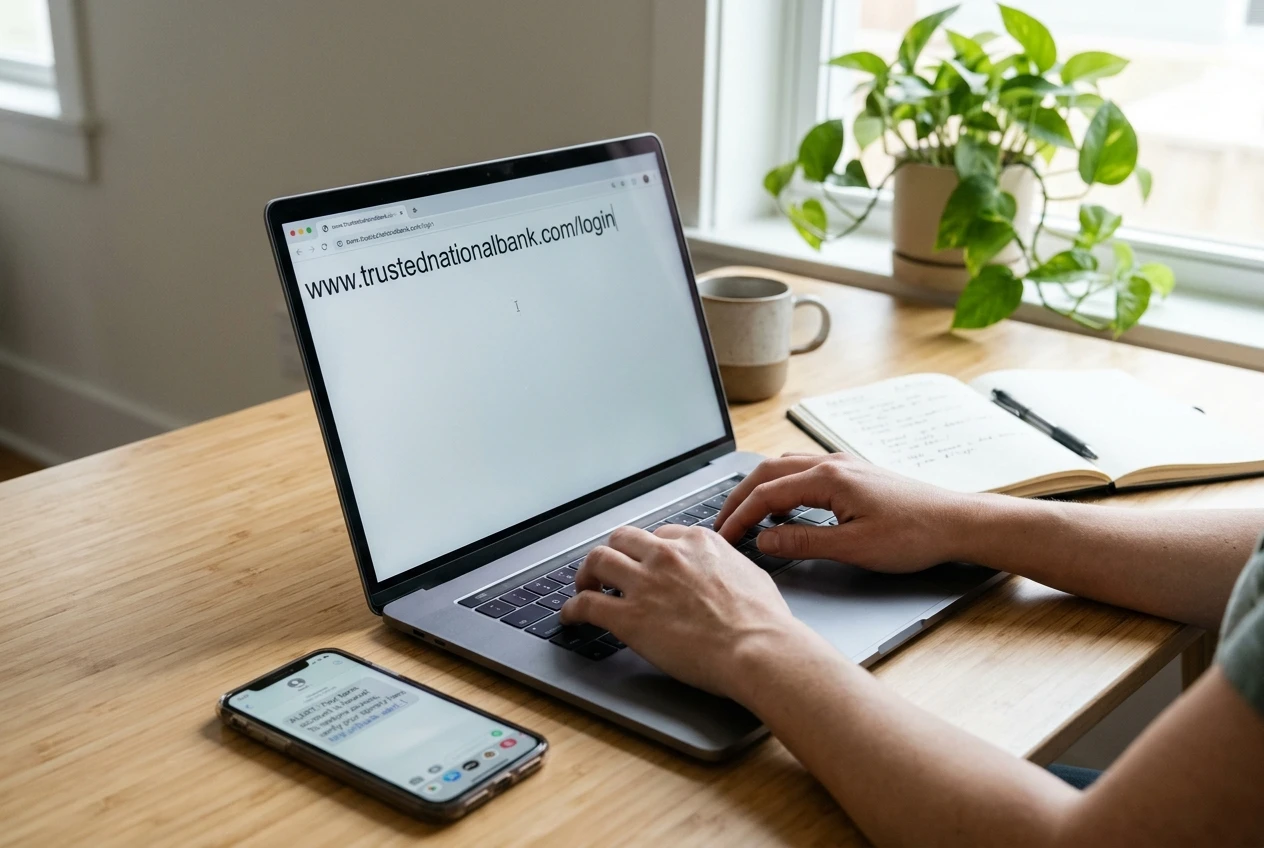
For contact details, use the number on the back of your card, on a past statement, or on the company's official site. Never use a number supplied in the suspicious message.
Ask the person, not the message
When a friend or relative seems to have sent it, contact them in a way that does not involve replying to that message. A reply goes to whoever controls the account, and that may be the scammer.
Paste the address into a link checker
Free online tools can look up a web address and report whether it has been flagged as dangerous. To use one, copy the link (press and hold, then choose "copy link" where your phone offers it) and paste it into the checker's box. Do not open it in a new tab to see what happens.
Treat the result as one piece of evidence. A warning is a good reason to delete the message. A clean result only means nobody has flagged it yet, and brand-new scam links can go unflagged for a while. If the sender and the pressure still look wrong, trust that over a green tick.
Use a search, carefully
If a message mentions a company or an offer, search the company's name yourself and compare what you find with the message. Searching the exact link or phrase from the message together with the word "scam" can also turn up other people's reports. Be careful which results you click: paid ads at the top of search results can imitate real companies, so look for the company's own domain.
When in doubt, wait
Leaving the message unopened for an hour or a day costs you almost nothing. Real senders resend, follow up, or show the same notice in your account.
What to do if you already clicked
Clicking a link does not automatically mean you are compromised. Many bad links lead to a fake page that only works if you type something in. What matters is what happened after the tap, so work through these in order.
If the page opened and you did nothing else
Close the tab or the browser. Do not type anything, do not tap any buttons on the page, and do not accept any pop-up asking for permissions or notifications. Clear the page from your recent tabs. Then keep an eye on your accounts over the next few days.
If you entered a password
- Go to the real site (typed in yourself) and change that password immediately.
- Change it anywhere else you used the same password. Reusing passwords is how one stolen password becomes five hijacked accounts.
- Turn on two-step verification for that account if it is available, so a password alone cannot get in.
- Check the account's recent sign-in activity and sign out of any devices you do not recognise.
- If it was your email password, do this first, because email can be used to reset almost everything else.
If you entered card or bank details
Call your bank or card provider straight away, using the number on your card or statement. Tell them what happened, ask them to block or replace the card, and go through recent transactions with them. The sooner you call, the more options you have.
If you entered personal details such as an ID number, date of birth or address
Contact the organisation that issues the ID, and look into your country's official guidance on identity theft. Many countries run a government reporting service and recovery guidance. Be wary of anyone who contacts you offering to "fix" it, because follow-up scams are common after a first one.
If something downloaded or installed
Do not open the file. Delete it. On a computer, run a full scan with a security program you trust. On a phone, look through your installed apps for anything you did not put there and remove it. If the phone or computer starts behaving oddly, such as running hot, showing pop-ups or draining the battery fast, a scan or a visit to a repair professional is worth the effort.
Then report it
Report the message to the platform it came through: use the report button in Facebook or Instagram, the "report junk" option in your text app, or the "report phishing" option in your email service. Many mobile carriers accept forwarded scam texts at 7726 (the digits spell SPAM), and many countries have an official scam reporting site, such as reportfraud.ftc.gov in the US. Reporting helps get the sender blocked, and it protects the next person who gets the same message.
Tell someone, too. People often stay quiet out of embarrassment, and that silence helps scammers. These messages are designed by people whose job is to fool others, and being fooled once is common.
How to handle risky links in texts, DMs and emails
The checks above stay the same everywhere, but each channel has its own habits worth knowing.
Text messages
Texts from unknown numbers that carry a link are the classic opening for parcel scams, unpaid-toll scams, bank alerts and "wrong number" chats that start friendly and turn into something else. If you do not recognise the number and were not expecting anything, do not tap the link and do not reply, even to say "wrong number". A reply tells the sender your number is active.
Block and report the number. If the message claims to come from a company you do use, open that company's own app or website directly.
Direct messages on social media
DMs carry the extra danger of the familiar name. Be careful when a friend suddenly sends a link with no context, asks for a favour such as voting for them in a contest, or tells you about an investment that made them money. Check with them through another channel before you touch it.
DMs from strangers are a different problem. They may offer friendship, romance, work, a loan or a "special arrangement", and the link comes later, along with a request for money or personal details. Our article on the sugar mummy scam shows how one of these conversations is built, and the same pattern of flattery followed by a payment request appears in many others.
Lock down your own account too. Use a strong, unique password and turn on two-step verification so your account is not the one sending links to your friends.
Facebook messages and comments
On Facebook, risky links often arrive as a message from a friend, a tag in a post ("is this you?"), or a comment on a post promising a giveaway. A tag with a link that says "is this you?" or "you won't believe this video" is a common way to get people to a fake login page. If a login screen appears after you tapped something on Facebook, close it. Facebook only needs you to log in again if you actually have been logged out, and you can verify that by opening the official app or typing the address yourself.
Email gives you more room to check than any other channel. You can read the full sender address, not only the display name, and you can hover over links before using them. A display name such as "Your Bank Support" is trivial to fake, while the actual address behind it is harder to hide. Look at it.
Be careful with attachments as well. An unexpected invoice, voicemail or "document to review" file can be as harmful as a link. If you were not expecting a file, do not open it.
Everywhere: a few habits that save you
- Make a rule that you never log in through a link someone sent you. Use the app or type the address.
- Keep your phone and apps updated, since updates fix weaknesses that bad links try to use.
- Treat QR codes like links. A code on a parking meter or in an unexpected email leads to a web address you cannot read, so check where it goes before you act on it.
- Agree on a family word or question that only your close relatives would know, to use if a message claims someone is in an emergency.
Security tools that add a safety net for links
Your own habits do most of the work, but tools can catch what a tired person misses at 11 p.m. They also help most for the people in your family who will not stop to run a checklist. These are the kinds of tools worth knowing about, and what each one actually does.
- Built-in phone and email filters. Phones and email services have spam and junk filters that you can switch on or tighten. They remove a lot of dangerous messages before you see them. Check your settings and turn on the options for filtering unknown senders and reporting junk.
- Browser warnings. Major browsers show a full-page warning when you try to open a site that has been flagged as dangerous. Keep your browser updated and take those warnings seriously. If you see one, go back rather than clicking through.
- Security software with web protection. Many antivirus and internet security products include a feature that checks sites as you open them and blocks known dangerous ones, and some scan downloads as well. This can be useful for a household that shares a computer, though no product catches everything.
- Password managers. A password manager fills in your login details only on the website address it saved them for. If you land on a look-alike page, it will usually not offer your password, and that mismatch is a useful warning. It also makes it easy to use a different strong password for every account.
- Two-step verification apps. Two-step verification means a stolen password alone does not open the account. Where it is offered, an authenticator app or a physical security key is generally stronger than a code sent by text.
- Identity and breach monitoring. Some services alert you when your email address or details turn up in a known data breach. That gives you a prompt to change passwords before they are used.
When you choose any of these, look at what the product actually claims to do, read independent reviews, and be wary of any tool that advertises "100% protection". No tool is perfect, and a pop-up telling you your device is infected and urging you to install something is itself a common scam. Get security software from the developer's official website or your phone's official app store, not from an ad or a link in a message.
A tool is a second layer. It works best alongside the habit of pausing, reading the address and checking with the source.
Keep this routine within reach
The checks take less time than reading this sentence: who sent it, where the link really goes, whether it is pushing you, and whether the real site agrees. When one of them fails, close the message and go to the source yourself.
Send this checklist to the one person in your family most likely to tap a link without thinking, and keep it handy for the next time you're unsure.


